

Overview
Arden supports any OpenAI-compatible API endpoint. Register custom models via~/.arden/models.json or the /add-model skill.
Built-in providers cover Anthropic, OpenAI API keys, OpenAI account sign-in through the Codex endpoint, Google Gemini, and OpenRouter.
OpenAI account sign-in
If you have an OpenAI subscription/account and do not want to use an API key, connect OpenAI Codex from provider onboarding or Desktop Settings → Providers.- Arden opens the OpenAI browser authorization flow.
- Tokens are stored locally at
~/.arden/openai-codex-auth.json. - Default chat model:
openai-codex/gpt-5.5. - Default memory model:
openai-codex/gpt-5.4-mini. - The Auxiliary role starts on the memory model and can be changed independently in Settings.
- Tool-using reasoning calls use the Responses API shape internally (
reasoning: { effort: ... }) so GPT reasoning models can call tools without hitting Chat Completions compatibility limits.
models.json
Create~/.arden/models.json with model IDs as top-level keys:
Fields
Using custom models
After adding tomodels.json, set the model in your environment or settings:
Embedding models
Choose the embedding model in Desktop Settings → Models → Embeddings. Arden asks for confirmation before a change because every active fact and readable wiki page must be embedded again. The same view shows rebuild progress and lets you retry a failed rebuild. Choose No embeddings to disable semantic matching. Arden then makes no embedding requests; full-text search continues to work.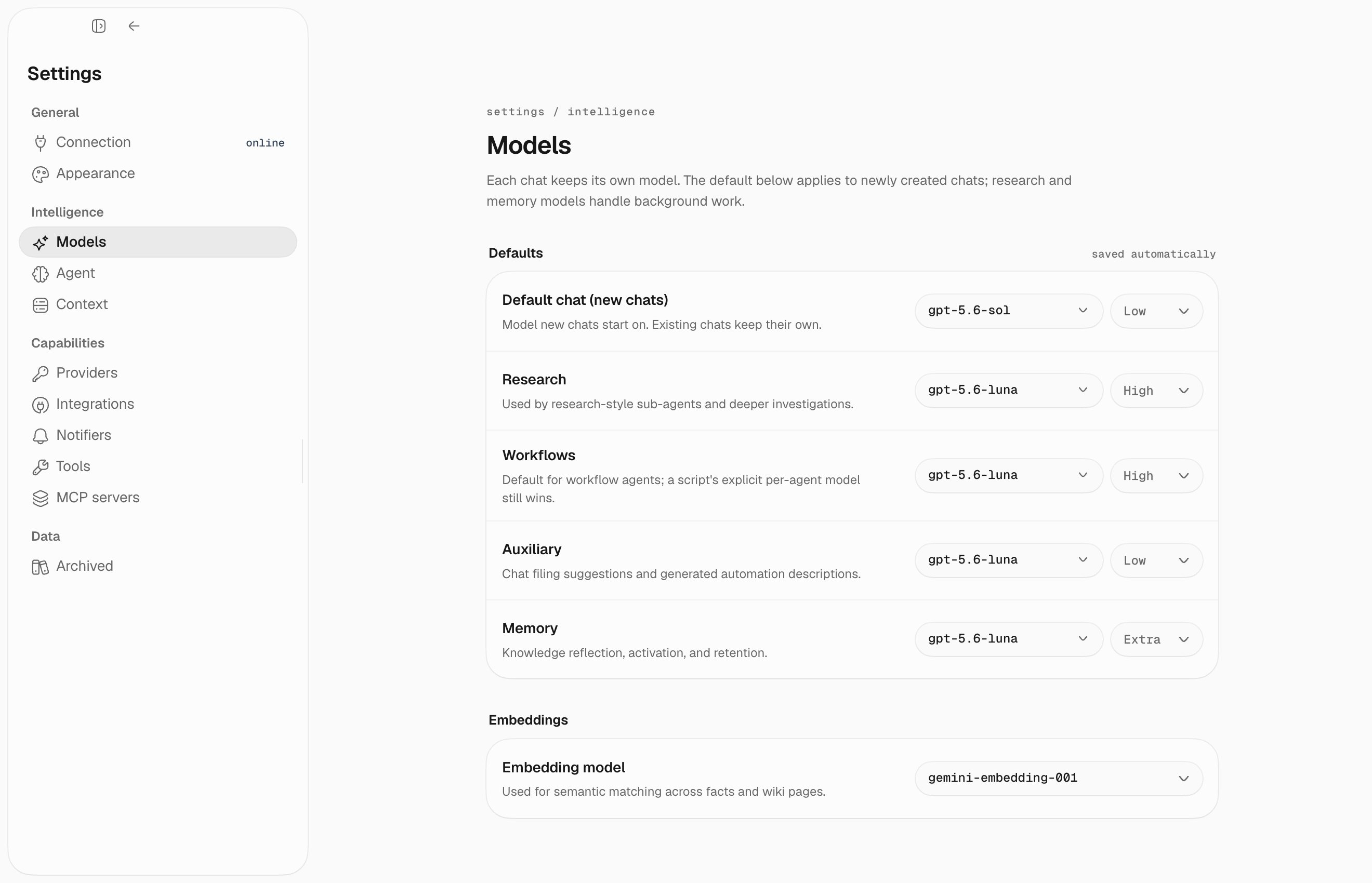
Providers
OpenRouter
Ollama
api_key_env needed for local Ollama.
vLLM
Interactive setup
Use the/add-model skill in chat for guided model registration: