

What an area is
An area is a domain you want Arden to keep watching, such as health, a job search, research, or a side project. Each area can have:- one attached wiki page for durable context
- one current outcome with success criteria
- a standing agent that checks the area on a schedule
- requests that need your answer, review, or attention
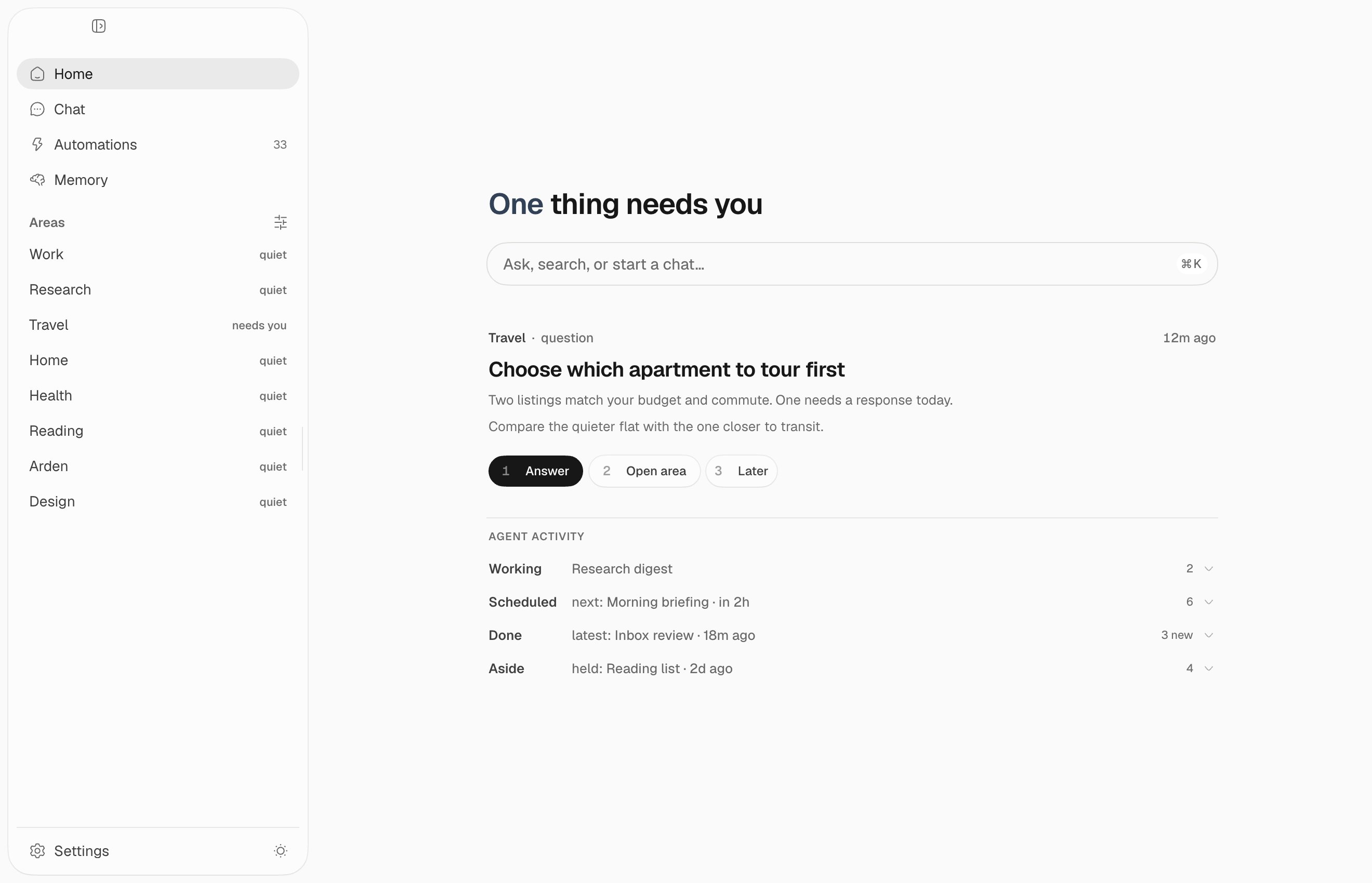
Home
Home is your mission control:- Ask, search, or start a chat opens a new conversation.
- Requests that need you appear first.
- Agent Activity separates work that is running, scheduled, done, or set aside.
- Your areas stay in the sidebar with their current status.
Area room
Open an area from the sidebar: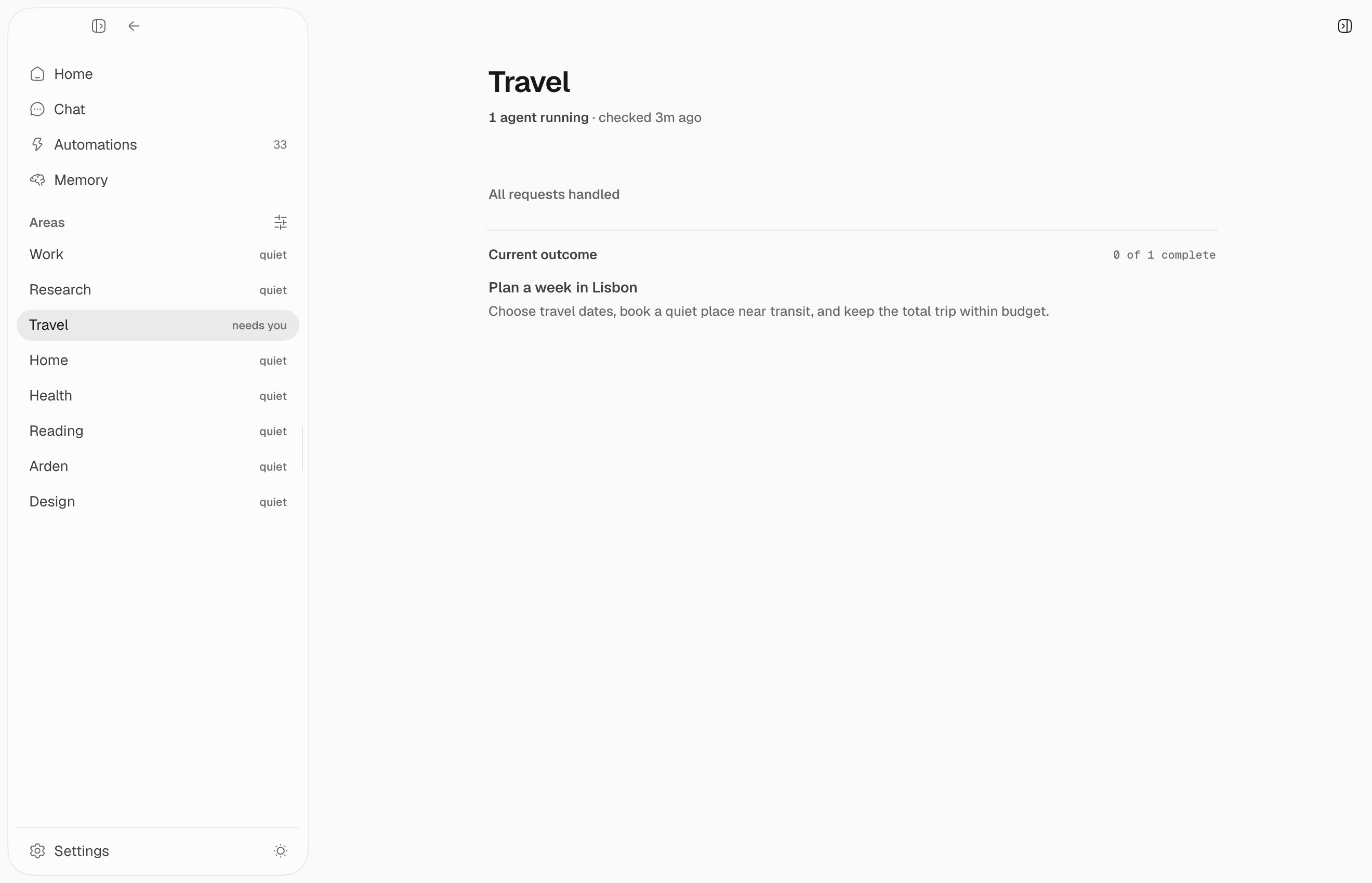
- whether its agent is running and when it last checked
- one request at a time, with a direct action or Later
- the current outcome and its completed work
Standing agent
An area agent is a normal channel automation. You can find it under Automations → Area agents, inspect its transcript, run it now, pause it, or change its schedule. It reads the attached page, works toward the current outcome, and reports evidence, progress, and at most a few useful requests. Stable request keys update an existing request instead of creating duplicates. Area agents start in observe mode: they read anything and tend their own page, but take no external action. Act mode additionally lets them run child automations belonging to the area; consequential actions still follow normal approval rules.Requests and approval
A request is one of three kinds. An FYI expires on its own. A question waits because the agent is blocked on your judgment. A review carries a proposed action, and you see exactly what will run before you approve it. Approving one is what grants the capability. An observe-mode custodian cannot perform what it proposes, so the approved action runs as a fresh agent with wider reach than the custodian has — every tool inside Arden, and nothing that touches an outside service. Reaching an outside service is a separate consent from “yes, do this”, so an action that needs one stops rather than escalating quietly. Replying to a request is a conversation, not a scheduled run: the turn keeps the custodian’s reach minus the report it files at the end of a real run.Related systems
- Memory stores the page the area and its agent share.
- Automations schedules and runs the standing agent.