

Recommended setup
Use the desktop MCP setup assistant when adding a server.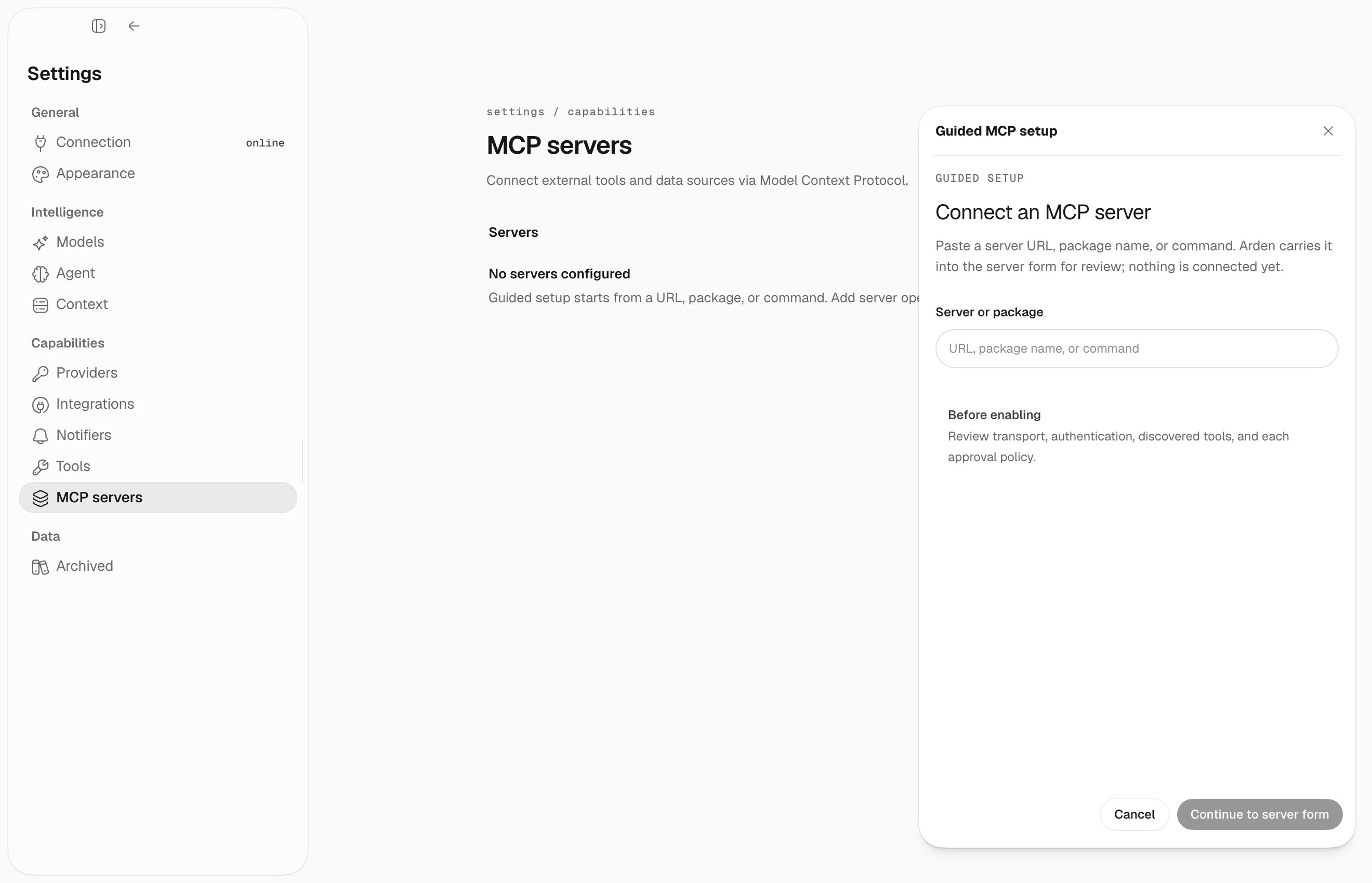
Transport fields
Deferred tools
MCP tools are deferred by server group. For example, a server namedobsidian is loaded by the agent with:
Troubleshooting
- Command not found – use an absolute command path or install the package/binary first.
- Missing env var – add required
KEY=valueentries in the server config. - HTTP auth failure – check headers or tokens and whether the server expects OAuth.
- No tools appear – verify the server starts successfully and then reload MCP settings.