Run from source
Install once from the repository root:http://localhost:6877 by default. Start the server first.
See Quickstart for first-time setup.
Connect
On first launch, enter:- Server URL: usually
http://localhost:6877 - API key: the one-time key printed by the server
Main surfaces
- Home: start a chat, handle requests, see agent activity, and open areas.
- Area rooms: see the current outcome and respond to the area’s standing agent.
- Chat: watch responses, tools, background agents, and approvals as they happen.
- Memory: browse pages as files or a notebook, edit them, inspect records and links, and restore earlier versions.
- Automations: manage your automations, area agents, and Arden’s system maintenance.
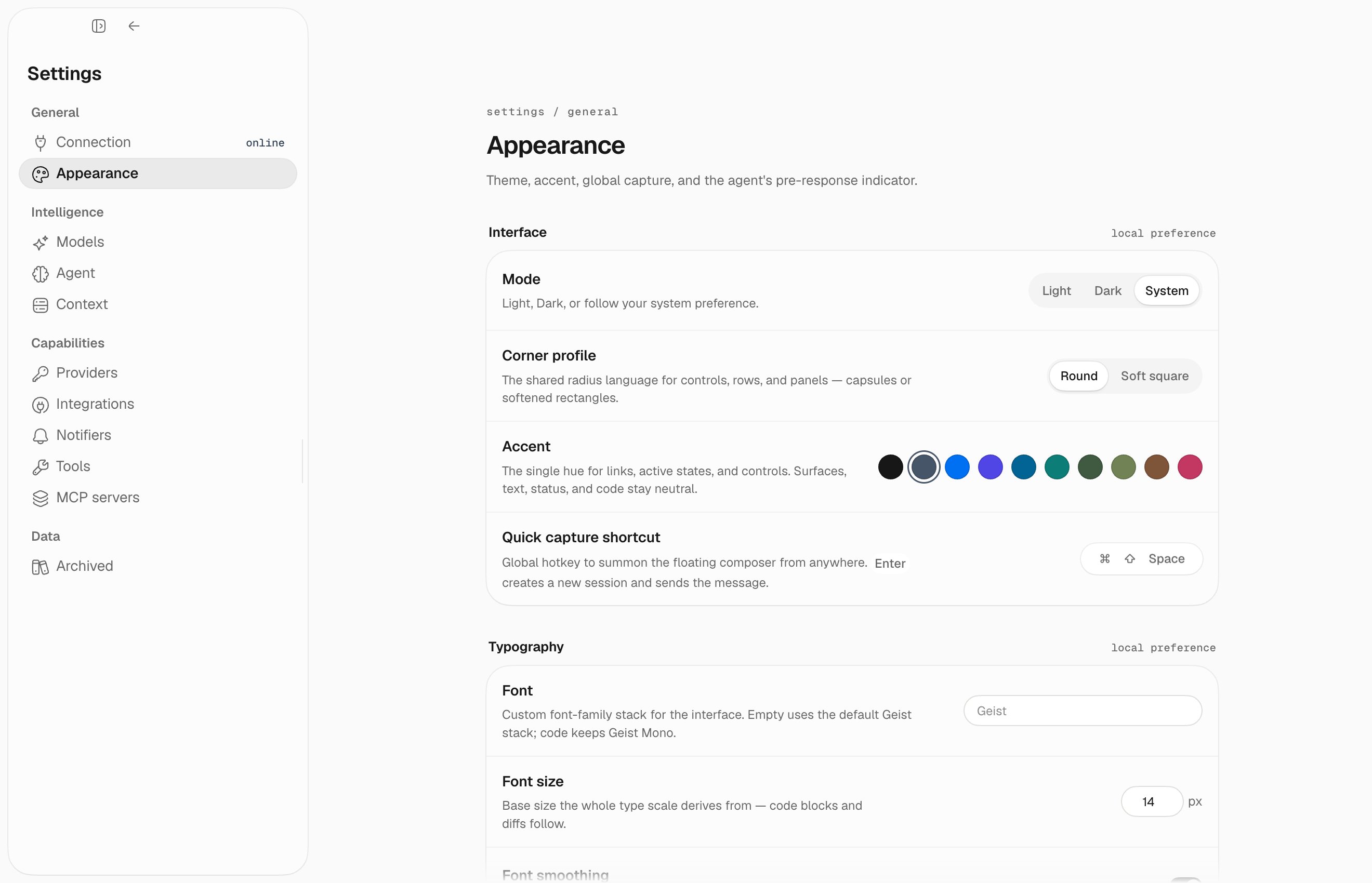
- Settings: configure models, integrations, tools, MCP servers, directives, notifications, and desktop preferences.